
How to Use iFIT: Quick Guide Tutorials
These short tutorials show you how to connect, customize, and control your iFIT experience, from pairing Bluetooth headphones to exploring new routes with the Workout Creator. Each video answers a common user question so you can spend less time troubleshooting and more time training.
Table of Contents
- How do I log in to iFIT?
- How do I navigate the iFIT home screen?
- How do I add secondary users?
- How does SmartAdjust work on iFIT?
- How do I pair my iFIT equipment?
- How do I customize in-workout settings?
- How do I connect Bluetooth headphones?
- What is ActivePulse and how do I use it?
- How do I connect my heart rate monitor?
- How do I pair my Apple Watch with iFIT?
- How do I pair my Garmin watch with iFIT?
- How do I pair a Samsung Galaxy Watch heart rate monitor with iFIT?
- How do I connect a Bluetooth heart rate monitor with iFIT?
- How do I use the Workout Creator (Maps)?
- How do I calibrate incline on my iFIT-compatible treadmill?
- How do I check for software updates?
Getting Started
How do I log in to iFIT?
Learn how to access your iFIT account across devices and troubleshoot common login issues.
How do I navigate the iFIT home screen?
Get a quick tour of your iFIT dashboard so you can find workouts, stats, and personalized recommendations easily.
How do I add secondary users?
Learn how to add additional users so your family can enjoy personalized training on the same equipment.
Personalization & Smart Features
How does SmartAdjust work on iFIT?
See how SmartAdjust automatically customizes your workouts based on your pace and past performance.
How do I pair my iFIT equipment?
Connect your treadmill, bike, or rower to the iFIT app so your stats sync automatically.
How do I customize in-workout settings?
Adjust volume, camera angle, or display preferences during your workouts for a personalized experience.
Advanced Tools
How do I connect Bluetooth headphones?
Pair your Bluetooth headphones for a fully immersive, wireless workout experience.
What is ActivePulse and how do I use it?
Learn how ActivePulse uses your heart rate feedback to keep every workout in the optimal training zone.
How do I connect my heart rate monitor?
Step-by-step guide for pairing compatible Bluetooth heart rate monitors with your iFIT equipment or app.
How do I pair my Apple Watch with iFIT?
Learn how to connect your Apple Watch to iFIT so your heart rate data syncs during workouts.
How do I pair my Garmin watch with iFIT?
Follow this step-by-step guide to connect your Garmin device to iFIT.
How do I pair a Samsung Galaxy Watch heart rate monitor with iFIT?
Use your Samsung Galaxy Watch to share heart rate data with iFIT during workouts.
How do I connect a Bluetooth heart rate monitor with iFIT?
Learn how to pair a compatible Bluetooth heart rate monitor with your iFIT equipment or the iFIT mobile app.
How do I use the Workout Creator (Maps)?
Design custom routes and explore the world with Google Maps™ workouts in iFIT.
Maintenance & Updates
How do I calibrate incline on my iFIT-compatible treadmill?
Ensure accurate incline performance with a simple calibration walkthrough.
How do I check for software updates?
Keep your iFIT machine running smoothly with the latest firmware and content updates.
Related Resources
- iFIT Membership Guide – learn how to activate and manage your plan.
- iFIT Help Center – get more troubleshooting resources.
- SmartAdjust – see how iFIT adapts to your pace.
- ActivePulse – use heart rate data for smarter training.
- iFIT Challenges – everything you need to know.
Disclaimer: The primary purpose of this blog post is to inform and entertain. Nothing on the post constitutes or is intended to be a substitute for professional medical advice, prevention, diagnosis, or treatment. Reliance on any information provided on the blog is solely at your own risk. Always seek the advice of your physician or other qualified health provider with any questions you may have regarding a medical condition, and please consult your doctor or other health care provider before making any changes to your diet, sleep methods, daily activity, or fitness routine. Do not disregard professional medical advice or delay seeking it because of information available on this blog. NordicTrack assumes no responsibility for any personal injury or damage sustained by any recommendations, opinions, or advice given in this article. Always follow the safety precautions included in the owner’s manual of your fitness equipment.
You might also like
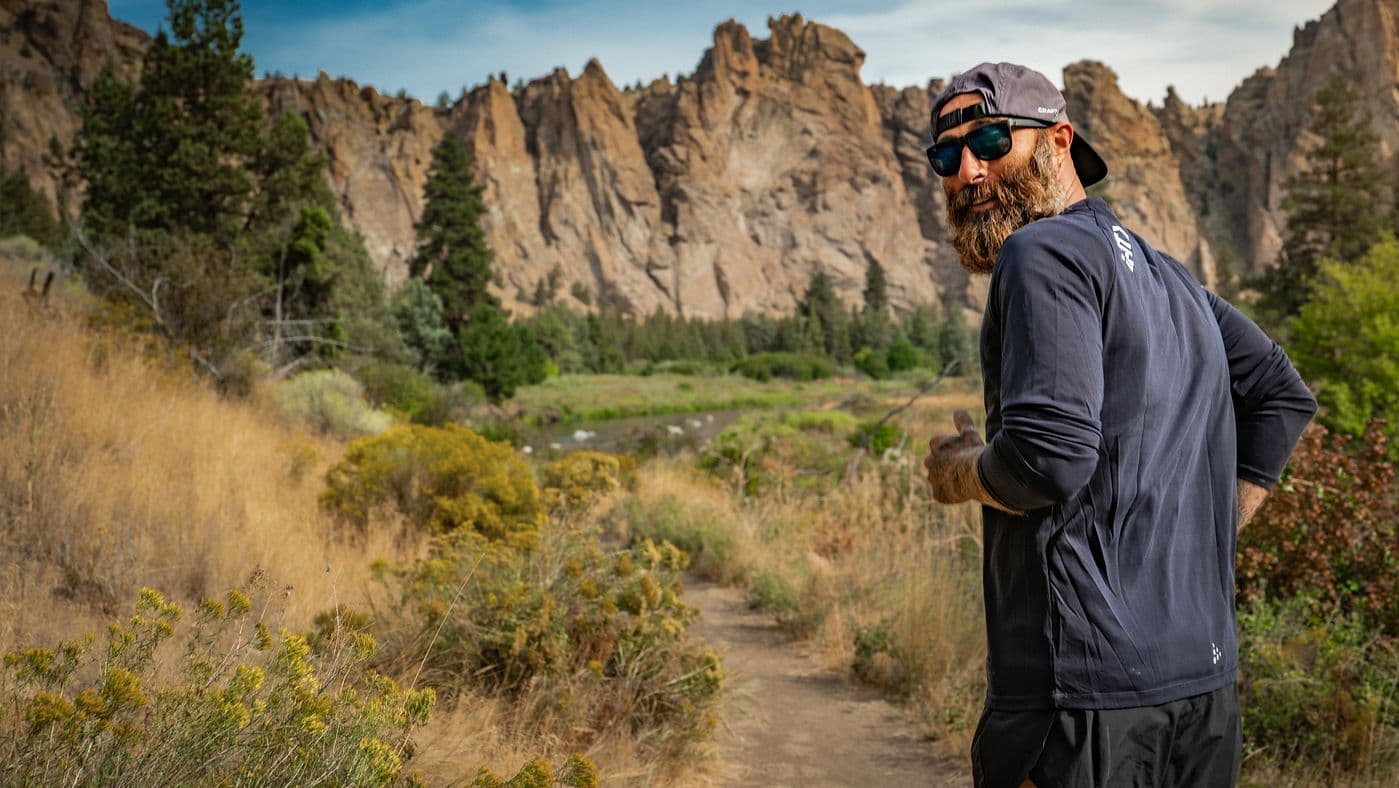
Your iFIT Running Roadmap: From 5K to Marathon Training
Not sure what comes after finishing a 5K? This iFIT running roadmap shows how structured training series can guide runners from their first 5K through 10K, half marathon, and marathon preparation with expert trainers and progressive workouts.
March 16, 2026
How to Use iFIT: Quick Guide Tutorials
Learn how to get the most out of your iFIT-compatible equipment with these quick guides.
November 8, 2025
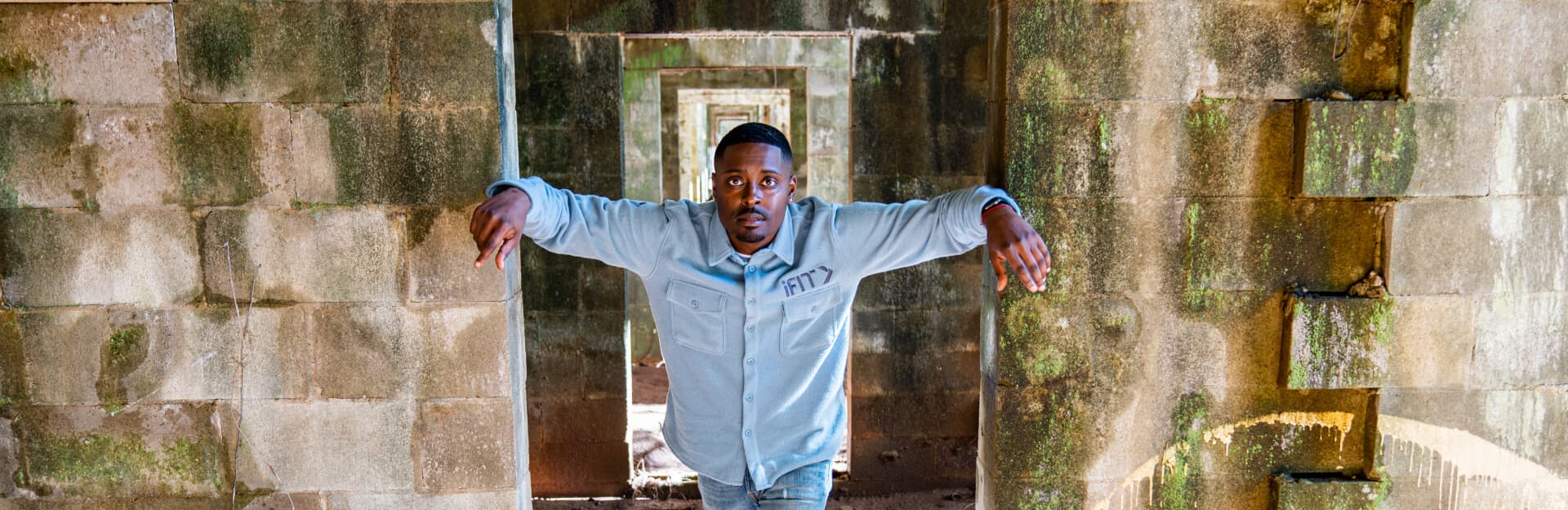
iFIT Guide Highlight: Dalen Spratt
Born and raised in Dallas, Texas, iFIT Guide Dalen Spratt grew up in a religious environment, as his mother was a pastor. Because of his roots, Dalen has always had a strong belief in a higher power, which influences the way he approaches exploring the paranormal. Adventurous and bold, he’s willing to try anything when communicating with ghosts. Today, Dalen is a part of the successful TV hit Ghost Brothers, which has been aired in several different series on the Travel Channel. When he’s not chasing ghosts, Dalen runs his own tailored men’s clothing line and teaches others how to navigate the forex market. After filming a new and exciting haunted workout series with us, Dalen sat down and answered some of our burning questions. We talk about his most terrifying paranormal encounter, favorite place to investigate, dream ghost hunting destination, and more. Get to know iFIT’s resident ghost hunter! How did you get into paranormal investigation? Were you interested in ghosts as a child? My interest in paranormal investigation started because I noticed a lack of representation of people like myself actually investigating and telling their stories on television. Death is the universal equalizer, something that all races and religions deal with. I wanted to showcase an experience that a lot of people could relate to. You have a show called Ghost Brothers: Lights Out that you share with Juwan Mass and Marcus Harvey. What has that experience taught you? The most honest response I can give now is that I truly don't know what is after this life, but I do know that there is something. That is a FACT! You’ve traveled to some of the most haunted places in the United States. Describe one of your scariest encounters. My first frightening encounter ever was in Cleveland, Ohio, at the notorious House of Wills. I was in the women's bathroom attempting to do what is called mirror gazing. I witnessed something that still, to this day, makes my skin crawl. While staring at myself in the mirror, I watched my reflection change. Its entire facial expression slowly started to grin at me. It was the most sinister thing I have ever witnessed in my life. What's your favorite haunted location? My favorite place to investigate so far has to be the Rose Hall in Montego Bay, Jamaica. It's crazy to imagine that right across the street from one of the most beautiful beaches you'll ever walk down is one of the most haunted locations in the Caribbean. If you could go anywhere in the world to do a paranormal investigation, where would you go? My dream is to journey to eastern and western Europe to investigate. The history over there runs so deep. I’d also like to visit Fiji. Beaches and ghosts—my two favorite pastimes! What do people get wrong when it comes to the paranormal? The biggest misconception in the paranormal is that you're “crazy” if you believe, when in actuality, almost everyone has had some sort of “questionable experience.” It just takes people a little time to feel comfortable enough with you, so they don't feel judged themselves. Aside from ghost hunting, what else do you enjoy doing? Outside of ghost hunting, I own and operate a tailored men's clothing line called Loren Spratt. I also enjoy day trading! If you weren’t a paranormal investigator, what would your career be? I'd be doing exactly what I am doing now—designing clothes and teaching people how to trade the forex market. Ghost hunting sounds a little cooler, I know. What other haunted places do you plan to visit before the end of 2021? I am actually headed to Cresson, Pennsylvania right now to visit an old sanatorium called the State Correctional Institution—Cresson (SCI). Let’s hope I make it back for the next iFIT series! Catch Dalen in the new Haunted Savannah Series based in Savannah, Georgia! Also, be sure to check out his Haunted Bayou Series in New Orleans or head to desolate, eerie locations in Exploring the Abandoned: Deep South. You'll be in for some goosebump-worthy sights and stories! Disclaimer: This blog post is not intended to replace the advice of a medical professional. The above information should not be used to diagnose, treat, or prevent any disease or medical condition. Please consult your doctor before making any changes to your diet, sleep methods, daily activity, or fitness routine. iFIT assumes no responsibility for any personal injury or damage sustained by any recommendations, opinions, or advice given in this article. Always follow the safety precautions included in the owner’s manual of your fitness equipment. Opinions of iFIT Trainers are not necessarily the opinions of iFIT.
October 18, 2021